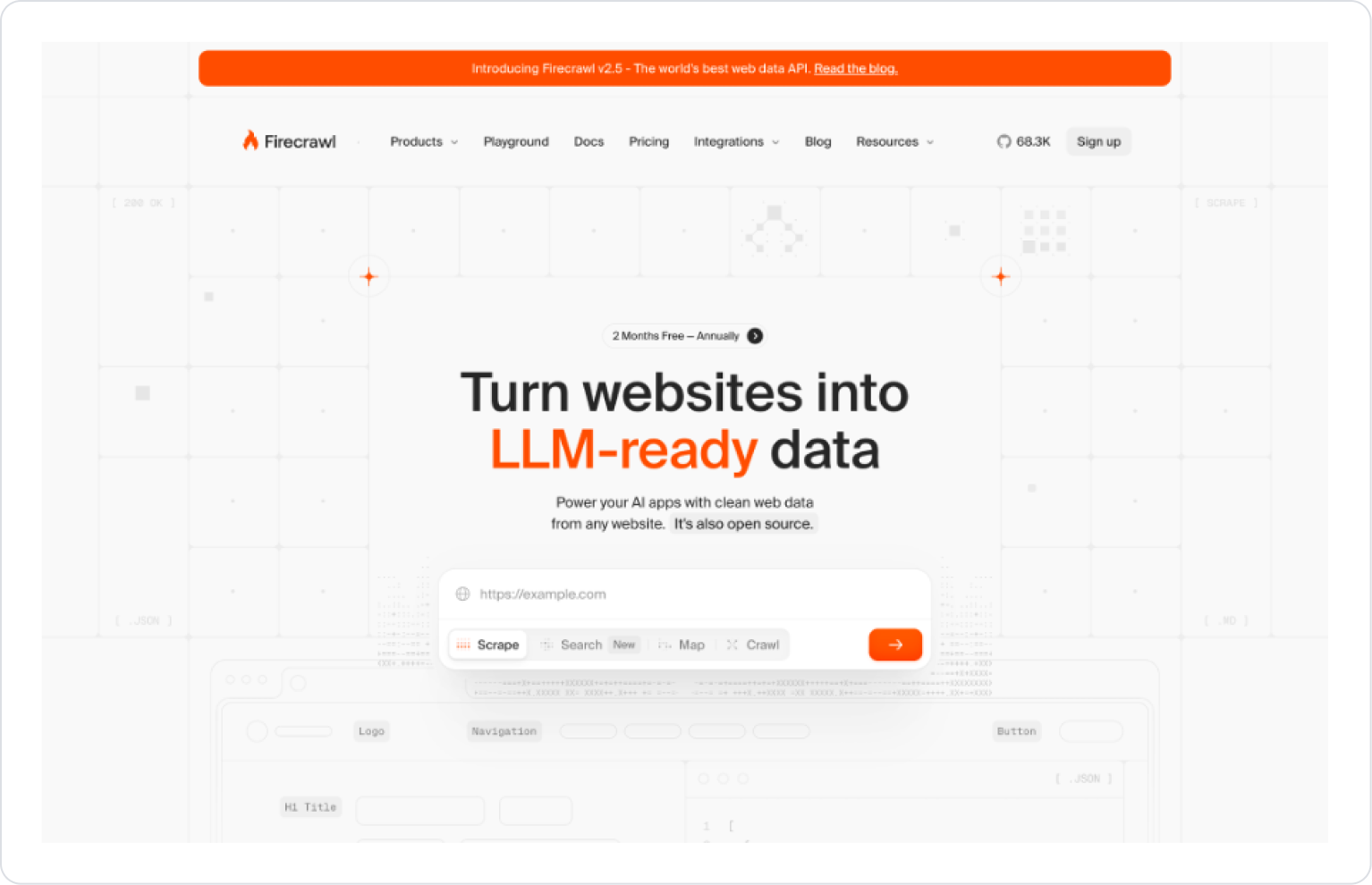
Firecrawl MCP is an MCP service that crawls any web page or entire website and delivers the content in an LLM-compatible, cleaned data format (Markdown, JSON, plain text, etc.).
This allows your Kuika application to pull content from the web in the form of structured data, which can be used directly in AI Agents, automation scenarios, and data processing workflows. With Firecrawl MCP integration:
You eliminate the complexity of HTML on web pages,
You obtain data outputs optimized for AI models,
and scenarios such as content summarization, analysis, indexing, and chatbots are simplified.
Firecrawl MCP can only be used within AI Agents.
Configuring Firecrawl MCP via Config Manager
Firecrawl MCP settings are configured through the Kuika Config Manager module. The Firecrawl integration enables data scraping from dynamically generated websites.
Configuration Steps
Log in to the Kuika platform.
Open the project you want to work on from the Apps screen.
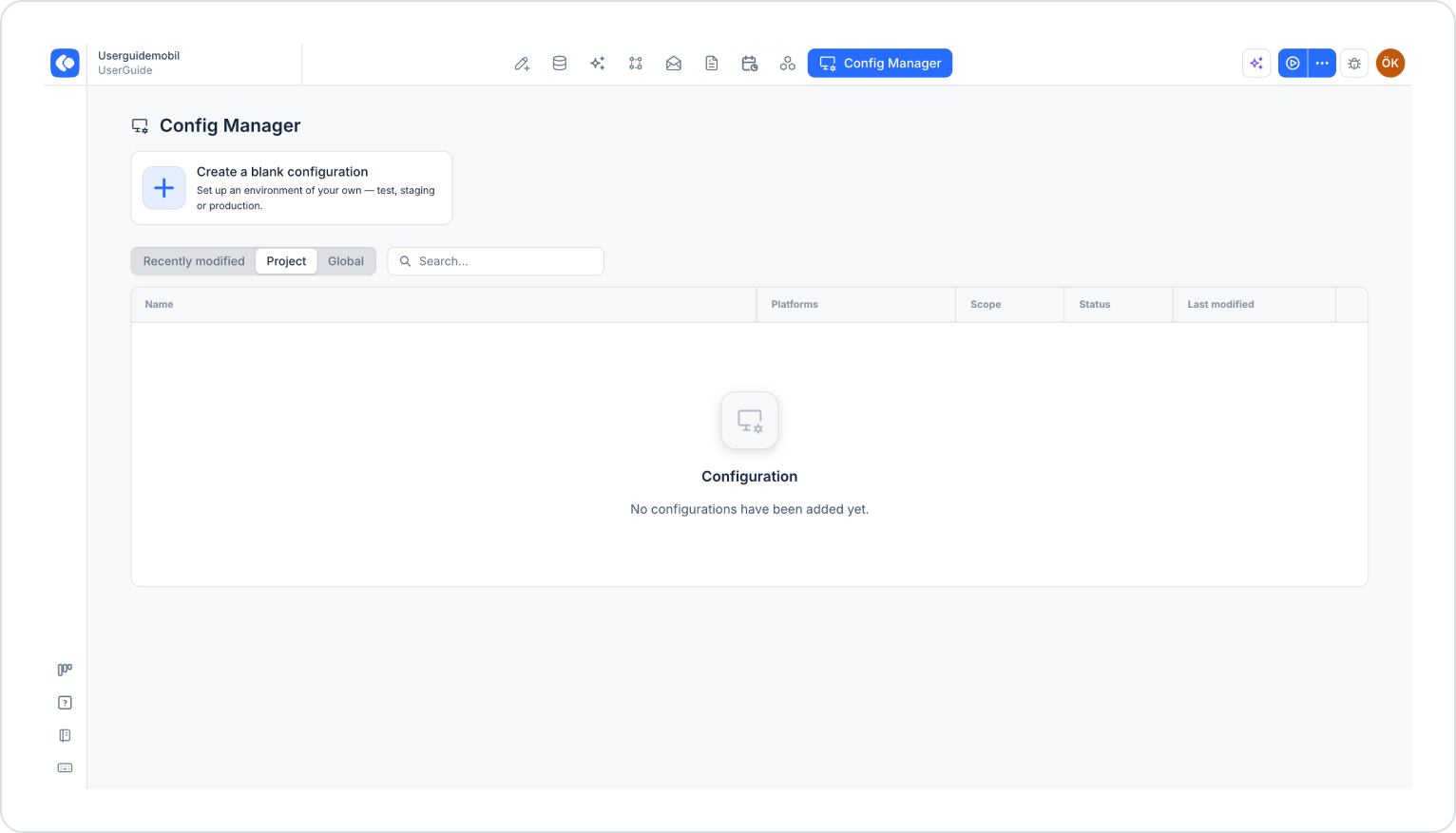
Click the Config Manager module in the top menu.
To edit an existing configuration, click its name in the list, or create a new configuration using the Create a blank configuration card.
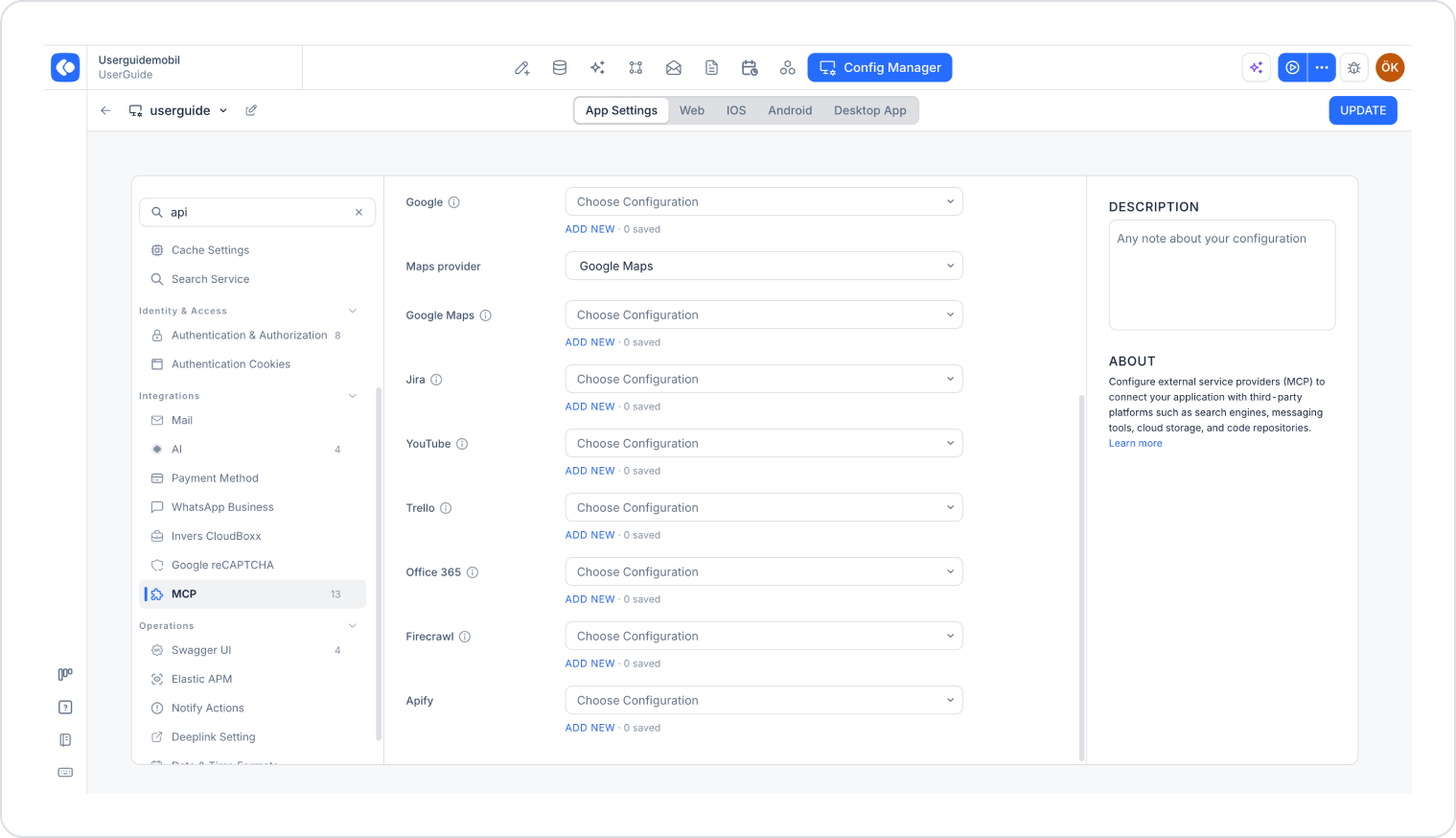
Make sure the App Settings tab is selected at the top of the configuration screen.
In the left menu, click the MCP option under the INTEGRATIONS heading.
Click the Add New link under the Firecrawl section.
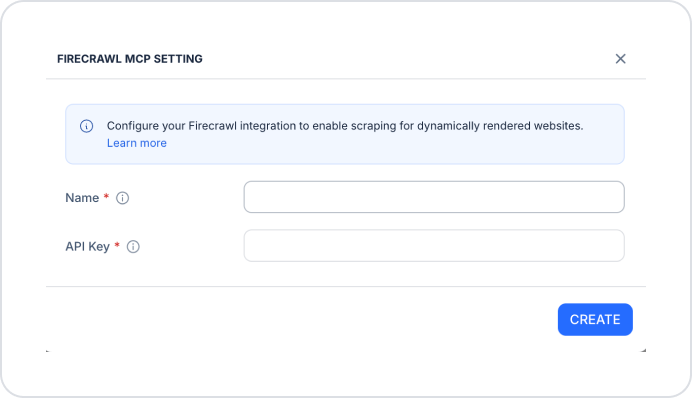
In the Firecrawl MCP Setting window that opens, fill in the following fields:
Name (required): A descriptive name for your Firecrawl configuration. For example:
Firecrawl_Main_Key
WebScraping_Service
Firecrawl_MCP_Prod
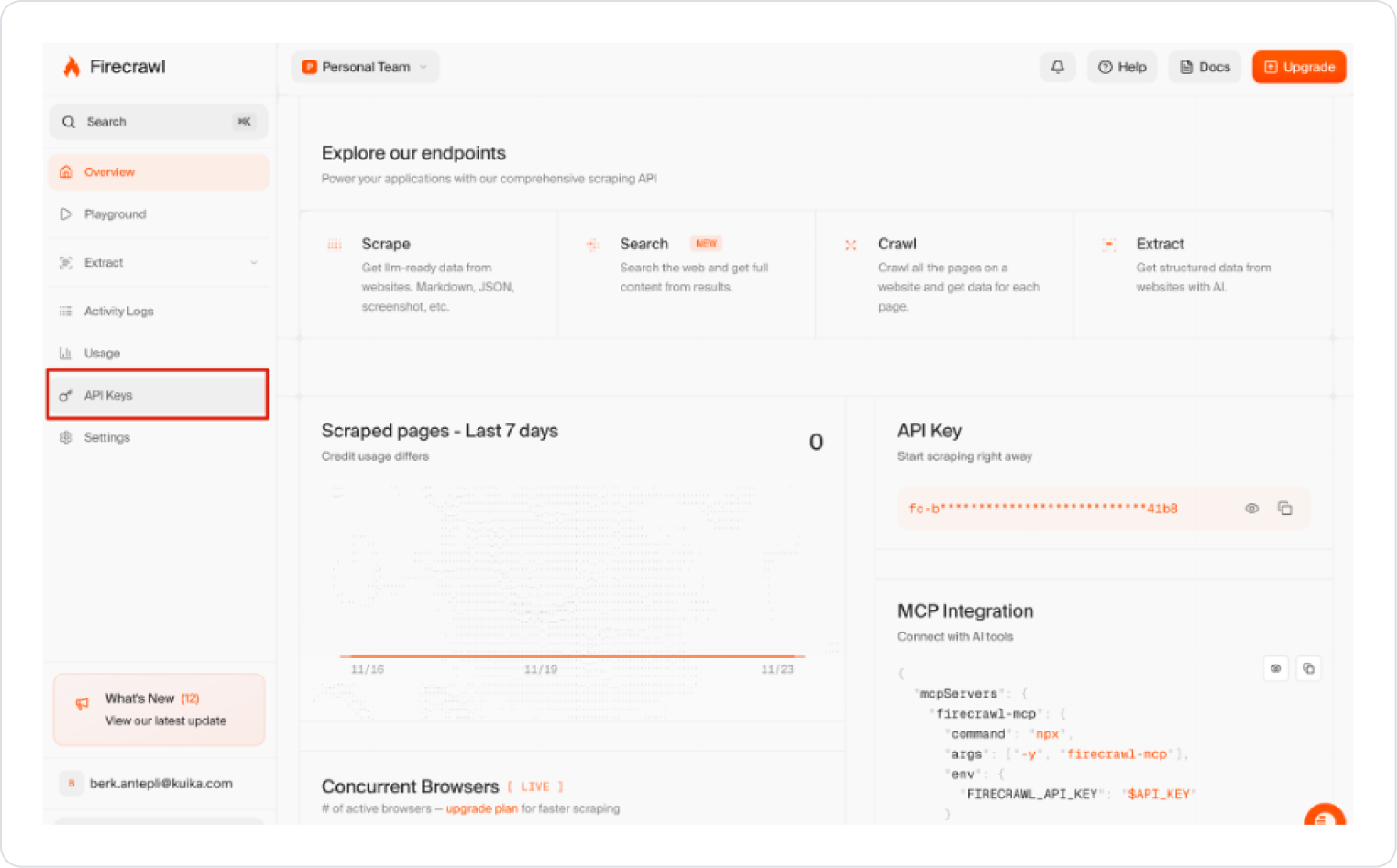
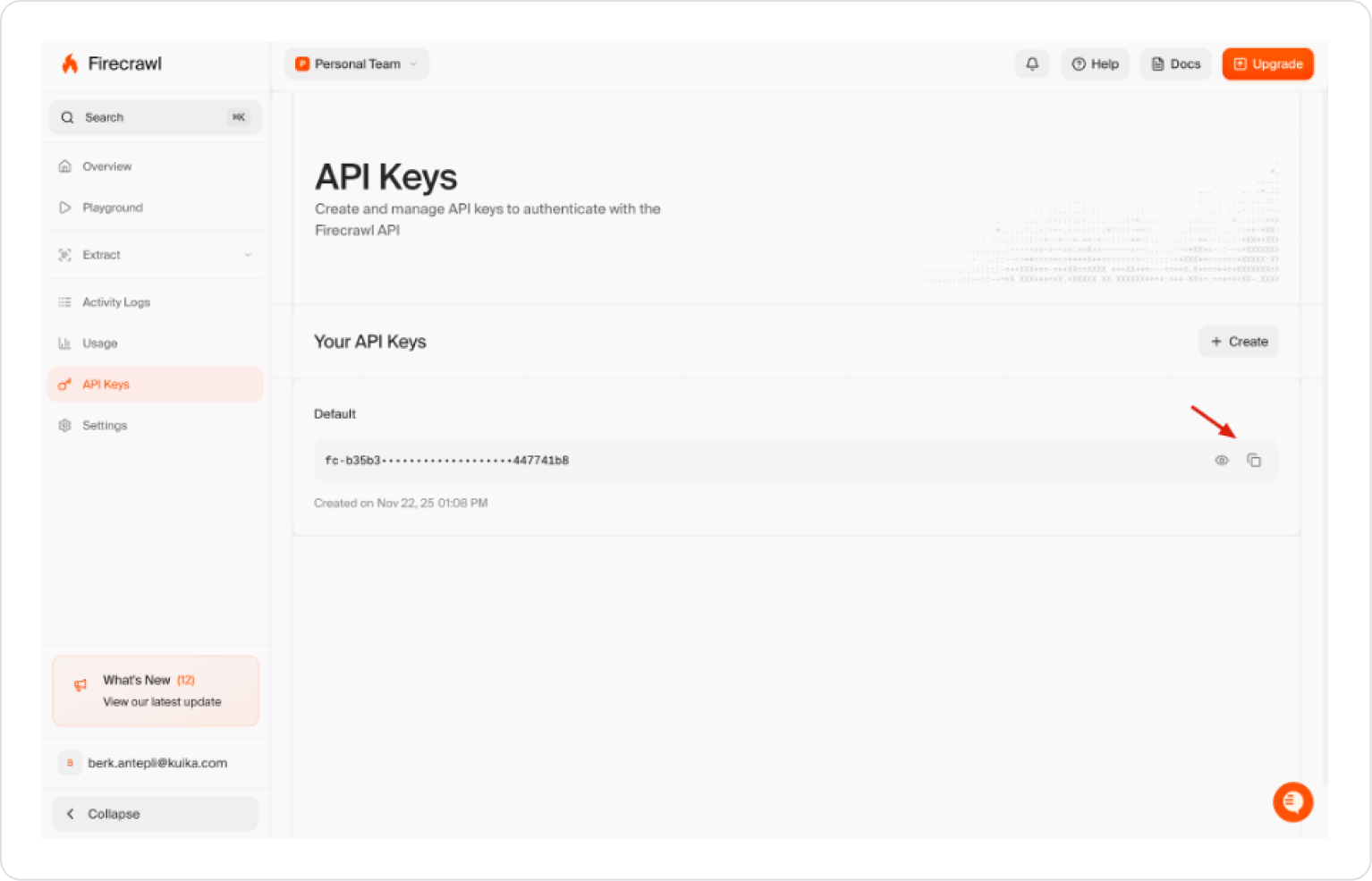
API Key (required): The API key obtained from the Firecrawl service. You can retrieve your key from the API Keys section in the Firecrawl dashboard.
Click the Create button.
Select the configuration you created from the Firecrawl dropdown menu.
Click the Save button in the upper-right corner to save your changes. (In an existing configuration, this button appears as Update.)