Basics of End User Notifications

Preparing End-User Notifications

About this lesson

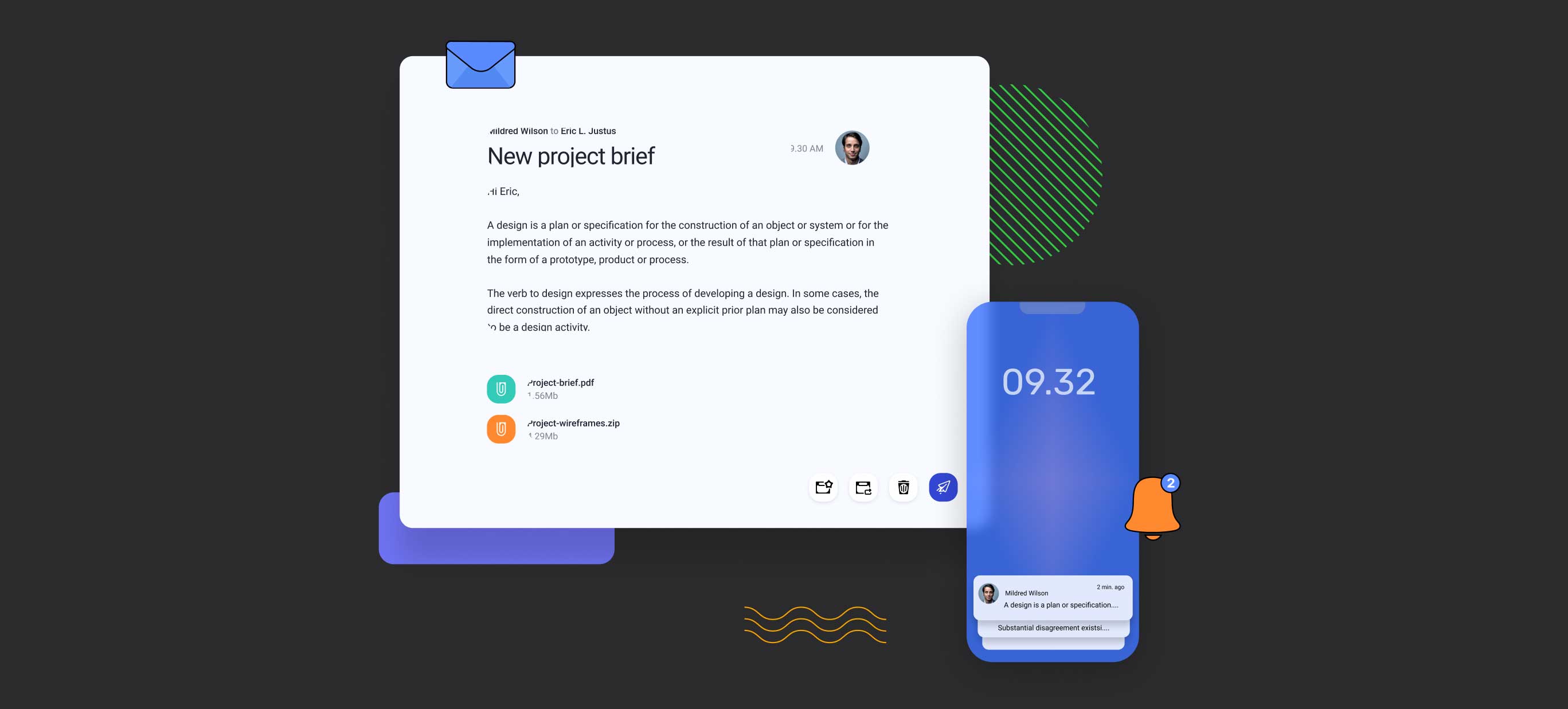
With Kuika, you can prepare notifications to send to the end users of your application during your application development process. Moreover, thanks to the advantages of low-code development in this process, you can make your end-user notifications ready in minutes or even seconds without writing any code. Thus, you can send e-mail and push notifications to your users to stay in touch with them. In your application development process with Kuika, you can prepare two types of end-user notifications for end-users. One of these types is e-mails and the other is push notifications.

Email notifications are electronic mail messages sent to users. In Kuika, you can easily create email designs with the Email Builder module. This module allows you to create user-friendly and impressive emails with drag-and-drop features and pre-designed templates. For example, you can send a welcome message when a new user registers, send password reset instructions when users forget or want to change their passwords, send reminders about an upcoming event, or create campaign and promotional emails that inform about special offers and discounts.

Push notifications are push messages sent to users' devices in the mobile apps you develop. This type of notification is ideal for attracting users' attention and directing them to a specific action. For example, you can send users a notification when they receive a new message, let them know that a new version of your app is available, inform them about special discounts and campaigns, or remind them that a certain task needs to be done. In Kuika, you can easily create and send push notifications using the Send Push Notification action.

Thanks to the e-mail and push notifications offered by Kuika, you can establish a continuous and effective communication with your users. In this way, you can increase user satisfaction, keep them more active in your application and provide them with instant access to the information they need.

Take user experience to the next level with Kuika.

Heading 1

Heading 2

Heading 3

Heading 4

Heading 5
Heading 6

Lorem ipsum dolor sit amet, consectetur adipiscing elit, sed do eiusmod tempor incididunt ut labore et dolore magna aliqua. Ut enim ad minim veniam, quis nostrud exercitation ullamco laboris nisi ut aliquip ex ea commodo consequat. Duis aute irure dolor in reprehenderit in voluptate velit esse cillum dolore eu fugiat nulla pariatur.

Block quote

Ordered list

  1. Item 1
  2. Item 2
  3. Item 3

Unordered list

  • Item A
  • Item B
  • Item C

Text link

Bold text

Emphasis

Superscript

Subscript

With Kuika, you can prepare notifications to send to the end users of your application during your application development process. Moreover, thanks to the advantages of low-code development in this process, you can make your end-user notifications ready in minutes or even seconds without writing any code. Thus, you can send e-mail and push notifications to your users to stay in touch with them. In your application development process with Kuika, you can prepare two types of end-user notifications for end-users. One of these types is e-mails and the other is push notifications.

Email notifications are electronic mail messages sent to users. In Kuika, you can easily create email designs with the Email Builder module. This module allows you to create user-friendly and impressive emails with drag-and-drop features and pre-designed templates. For example, you can send a welcome message when a new user registers, send password reset instructions when users forget or want to change their passwords, send reminders about an upcoming event, or create campaign and promotional emails that inform about special offers and discounts.

Push notifications are push messages sent to users' devices in the mobile apps you develop. This type of notification is ideal for attracting users' attention and directing them to a specific action. For example, you can send users a notification when they receive a new message, let them know that a new version of your app is available, inform them about special discounts and campaigns, or remind them that a certain task needs to be done. In Kuika, you can easily create and send push notifications using the Send Push Notification action.

Thanks to the e-mail and push notifications offered by Kuika, you can establish a continuous and effective communication with your users. In this way, you can increase user satisfaction, keep them more active in your application and provide them with instant access to the information they need.

Take user experience to the next level with Kuika.

With Kuika, you can prepare notifications to send to the end users of your application during your application development process. Moreover, thanks to the advantages of low-code development in this process, you can make your end-user notifications ready in minutes or even seconds without writing any code. Thus, you can send e-mail and push notifications to your users to stay in touch with them. In your application development process with Kuika, you can prepare two types of end-user notifications for end-users. One of these types is e-mails and the other is push notifications.

Email notifications are electronic mail messages sent to users. In Kuika, you can easily create email designs with the Email Builder module. This module allows you to create user-friendly and impressive emails with drag-and-drop features and pre-designed templates. For example, you can send a welcome message when a new user registers, send password reset instructions when users forget or want to change their passwords, send reminders about an upcoming event, or create campaign and promotional emails that inform about special offers and discounts.

Push notifications are push messages sent to users' devices in the mobile apps you develop. This type of notification is ideal for attracting users' attention and directing them to a specific action. For example, you can send users a notification when they receive a new message, let them know that a new version of your app is available, inform them about special discounts and campaigns, or remind them that a certain task needs to be done. In Kuika, you can easily create and send push notifications using the Send Push Notification action.

Thanks to the e-mail and push notifications offered by Kuika, you can establish a continuous and effective communication with your users. In this way, you can increase user satisfaction, keep them more active in your application and provide them with instant access to the information they need.

Take user experience to the next level with Kuika.

Files

No items found.

Sources

No items found.

Glossary

No items found.

Assignment

E-Posta Tasarımı
Email Builder Basics
Using Email Templates
New Email Design
Introduction to Mobile Interface Design
Tabbar Menu Design
Dashboard Screen Design
Form Screen Design
Listing Screen Design
Detail Screen Design
Mobile UI Prototyping
Web UI Prototyping
Working with Actions
Working with Navigations
Screen Display Types
Web App Prototyping
Add Notify
Preview
Introduction to Web Interface Design
Introduction to Registration Screen Design
Preparation of Header Design
Working with Master Screens
Menu Design
Dashboard Screen Design
Listing Screen Design
Form Screen Design
Display Screen Design
Elements
Container Elements
Date and Time Input Elements
Display Elements
Text Input Elements
Numeric Input Elements
Select Input Elements
Data Elements
Navigation Elements
Interactive Elements
Chart Elementler
Introduction to Interface Design in Kuika
User experience on the Kuika platform
The Application Interface Design Process
Working with Color
Definition of paddings
Working with Font Styles
Working with complex styles
Working with Mock Data
Concept Design
Wireframe: visualization of the first idea
Preparation of Concept Design
UX Design
Principles of usability
Basic design Principles
Information architecture
Screen Flow
Analysis and Planning
Defining the project scope and objectives
Reading the analysis document
Reading the example flow chart and defining the requirements
Planning of the project
Introduction to Designer Training Kit
What is Low-code?
What is Kuika?
What can be done with Kuika?
Let's examine the platform interface
Understanding the learning process‍