Basic design Principles

UX Design

About this lesson

Hello and welcome to this course where we will explore how you can improve web and mobile app design using the basic principles and elements of graphic design. These principles and elements will provide depth, meaning and aesthetic integrity to your projects.
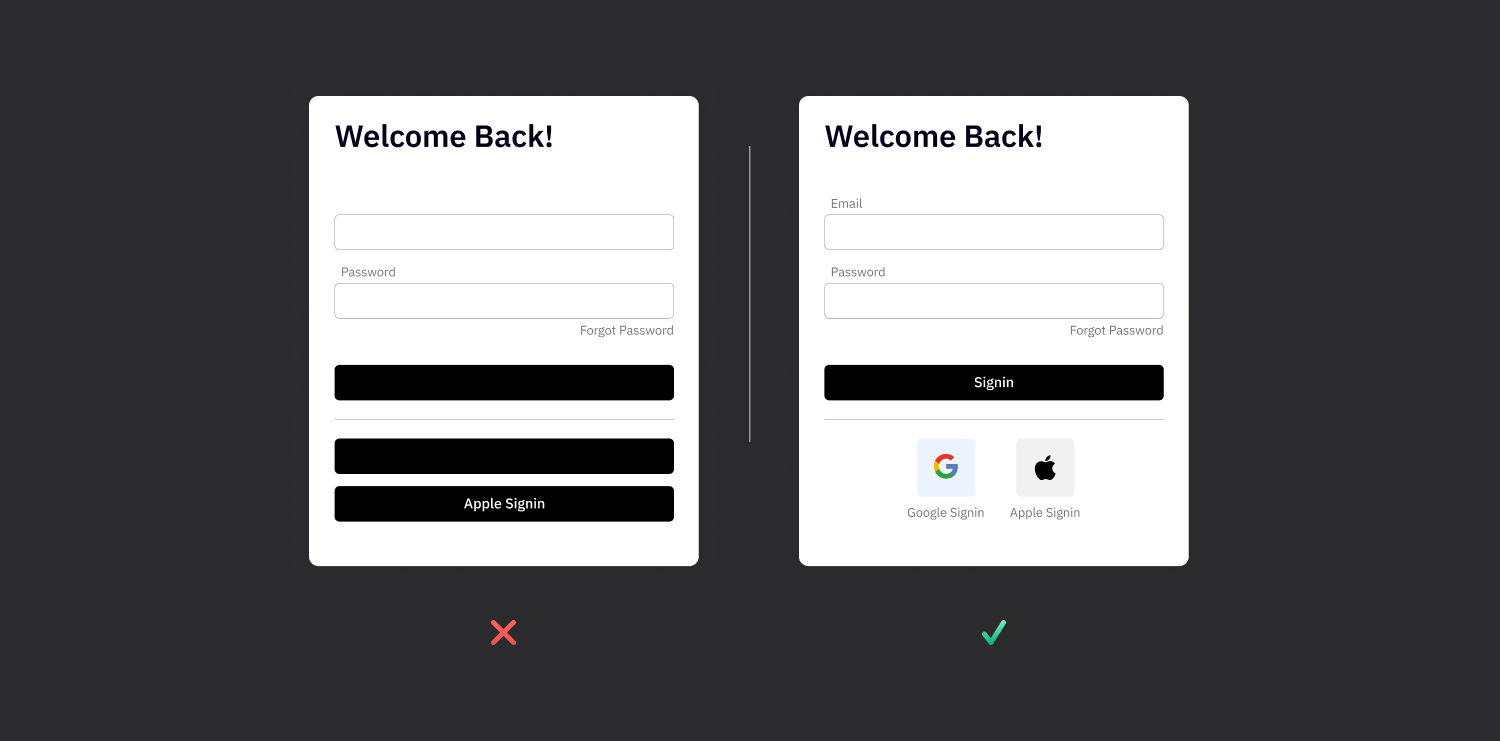
Balance:

Balance is the even distribution of the visual weight of your design. By using symmetrical, asymmetrical or radial balance, you can present information without distracting users.

Alignment:

Alignment makes your design look neat and organized. It improves readability by establishing a clear visual connection between text, images and other elements.

Contrast:

Contrast is used to emphasize certain elements. Contrast in color, size and shape is perfect for drawing users' attention to key points.

Repetition:

Repetition increases brand recognition and ensures unity of design. Repetition of elements such as logos, colors or graphic motifs creates a strong visual identity.
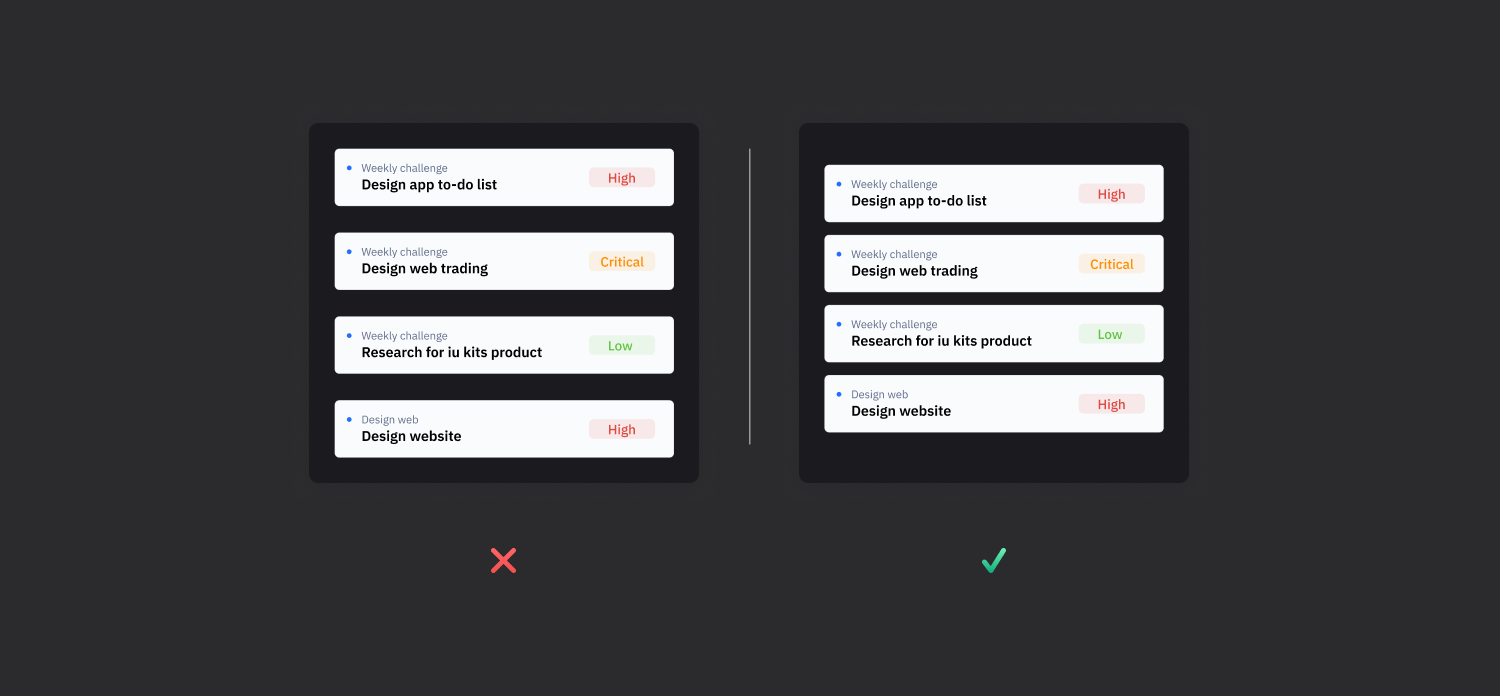
Proximity:

Proximity is the grouping of related items together. This makes information more organized and easier to understand.
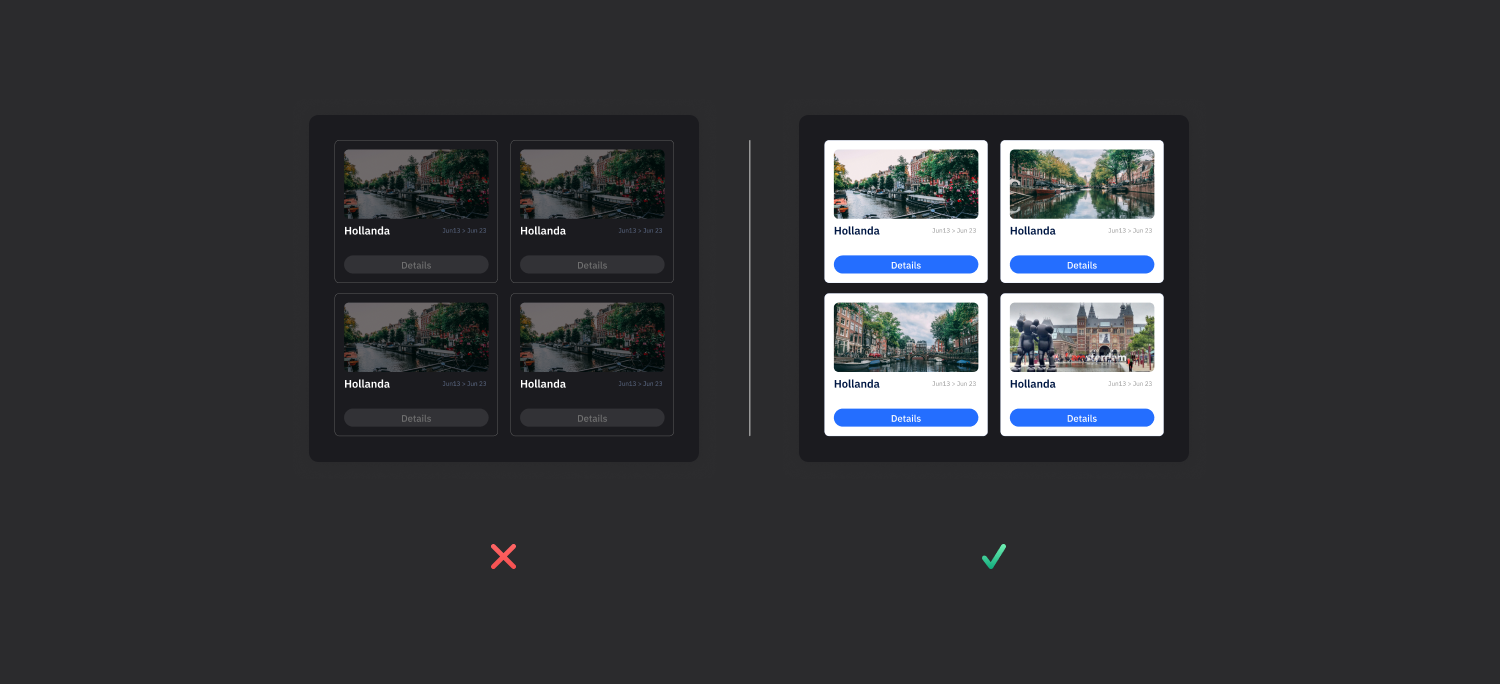
Color and Texture:

Color and texture enrich the user experience and add atmosphere. Color theory and textures can evoke emotional responses and support the theme of your app.
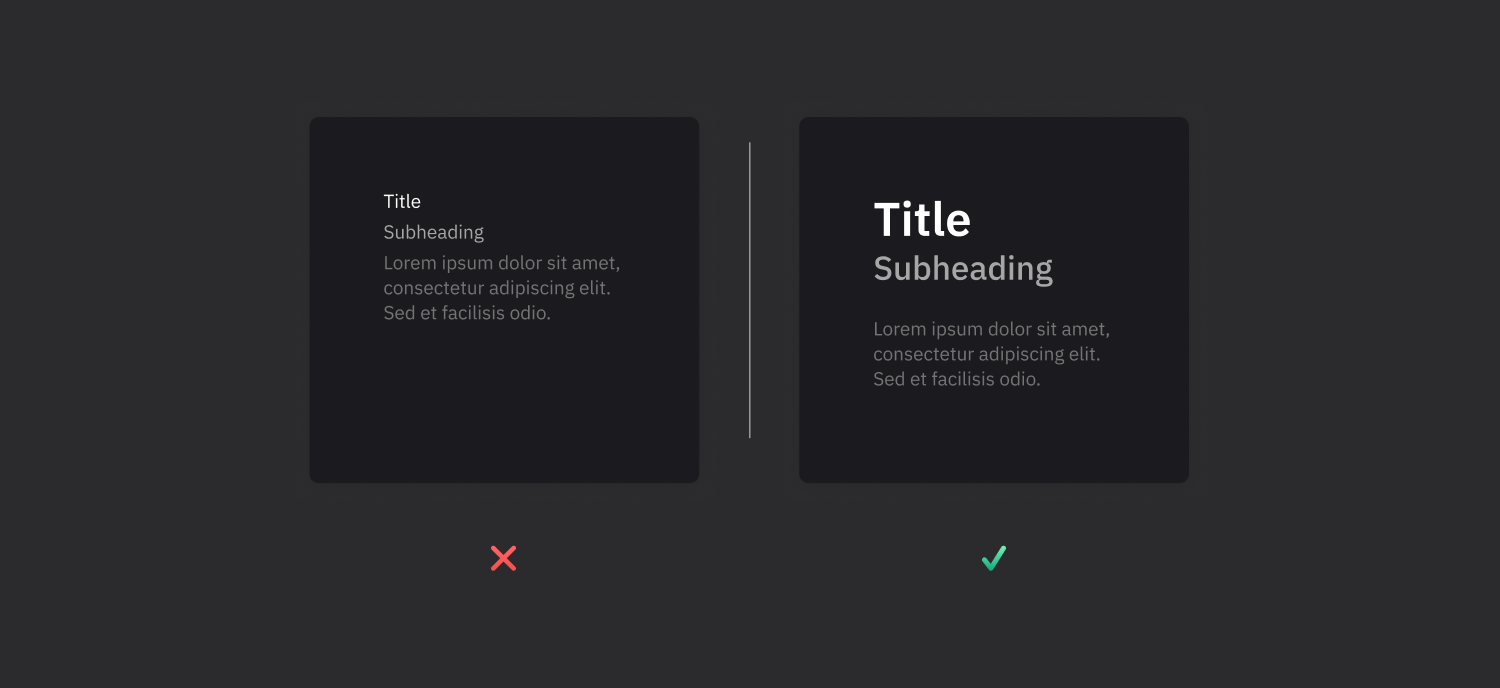
Typography:

Typography affects the readability and aesthetics of text. Font choice, hierarchy and text layout are critical to conveying your message clearly.

By applying these graphic design principles and elements, you can create meaning, depth and visual appeal in your projects. Now is the time to innovate your designs with this knowledge. We wish you success on your design journey!

Heading 1

Heading 2

Heading 3

Heading 4

Heading 5
Heading 6

Lorem ipsum dolor sit amet, consectetur adipiscing elit, sed do eiusmod tempor incididunt ut labore et dolore magna aliqua. Ut enim ad minim veniam, quis nostrud exercitation ullamco laboris nisi ut aliquip ex ea commodo consequat. Duis aute irure dolor in reprehenderit in voluptate velit esse cillum dolore eu fugiat nulla pariatur.

Block quote

Ordered list

  1. Item 1
  2. Item 2
  3. Item 3

Unordered list

  • Item A
  • Item B
  • Item C

Text link

Bold text

Emphasis

Superscript

Subscript

Hello and welcome to this course where we will explore how you can improve web and mobile app design using the basic principles and elements of graphic design. These principles and elements will provide depth, meaning and aesthetic integrity to your projects.

Balance:

Balance is the even distribution of the visual weight of your design. By using symmetrical, asymmetrical or radial balance, you can present information without distracting users.

Alignment:

Alignment makes your design look neat and organized. It improves readability by establishing a clear visual connection between text, images and other elements.

Contrast:

Contrast is used to emphasize certain elements. Contrast in color, size and shape is perfect for drawing users' attention to key points.

Repetition:

Repetition increases brand recognition and ensures unity of design. Repetition of elements such as logos, colors or graphic motifs creates a strong visual identity.

Proximity:

Proximity is the grouping of related items together. This makes information more organized and easier to understand.

Color and Texture:

Color and texture enrich the user experience and add atmosphere. Color theory and textures can evoke emotional responses and support the theme of your app.

Typography:

Typography affects the readability and aesthetics of text. Font choice, hierarchy and text layout are critical to conveying your message clearly.

By applying these graphic design principles and elements, you can create meaning, depth and visual appeal in your projects. Now is the time to innovate your designs with this knowledge. We wish you success on your design journey!

Hello and welcome to this course where we will explore how you can improve web and mobile app design using the basic principles and elements of graphic design. These principles and elements will provide depth, meaning and aesthetic integrity to your projects.

Balance:

Balance is the even distribution of the visual weight of your design. By using symmetrical, asymmetrical or radial balance, you can present information without distracting users.

Alignment:

Alignment makes your design look neat and organized. It improves readability by establishing a clear visual connection between text, images and other elements.

Contrast:

Contrast is used to emphasize certain elements. Contrast in color, size and shape is perfect for drawing users' attention to key points.

Repetition:

Repetition increases brand recognition and ensures unity of design. Repetition of elements such as logos, colors or graphic motifs creates a strong visual identity.

Proximity:

Proximity is the grouping of related items together. This makes information more organized and easier to understand.

Color and Texture:

Color and texture enrich the user experience and add atmosphere. Color theory and textures can evoke emotional responses and support the theme of your app.

Typography:

Typography affects the readability and aesthetics of text. Font choice, hierarchy and text layout are critical to conveying your message clearly.

By applying these graphic design principles and elements, you can create meaning, depth and visual appeal in your projects. Now is the time to innovate your designs with this knowledge. We wish you success on your design journey!

Files

No items found.

Sources

No items found.

Glossary

No items found.

Assignment

E-Posta Tasarımı
Email Builder Basics
Using Email Templates
New Email Design
Introduction to Mobile Interface Design
Tabbar Menu Design
Dashboard Screen Design
Form Screen Design
Listing Screen Design
Detail Screen Design
Mobile UI Prototyping
Web UI Prototyping
Working with Actions
Working with Navigations
Screen Display Types
Web App Prototyping
Add Notify
Preview
Introduction to Web Interface Design
Introduction to Registration Screen Design
Preparation of Header Design
Working with Master Screens
Menu Design
Dashboard Screen Design
Listing Screen Design
Form Screen Design
Display Screen Design
Elements
Container Elements
Date and Time Input Elements
Display Elements
Text Input Elements
Numeric Input Elements
Select Input Elements
Data Elements
Navigation Elements
Interactive Elements
Chart Elementler
Introduction to Interface Design in Kuika
User experience on the Kuika platform
The Application Interface Design Process
Working with Color
Definition of paddings
Working with Font Styles
Working with complex styles
Working with Mock Data
Concept Design
Wireframe: visualization of the first idea
Preparation of Concept Design
UX Design
Principles of usability
Basic design Principles
Information architecture
Screen Flow
Analysis and Planning
Defining the project scope and objectives
Reading the analysis document
Reading the example flow chart and defining the requirements
Planning of the project
Introduction to Designer Training Kit
What is Low-code?
What is Kuika?
What can be done with Kuika?
Let's examine the platform interface
Understanding the learning process‍