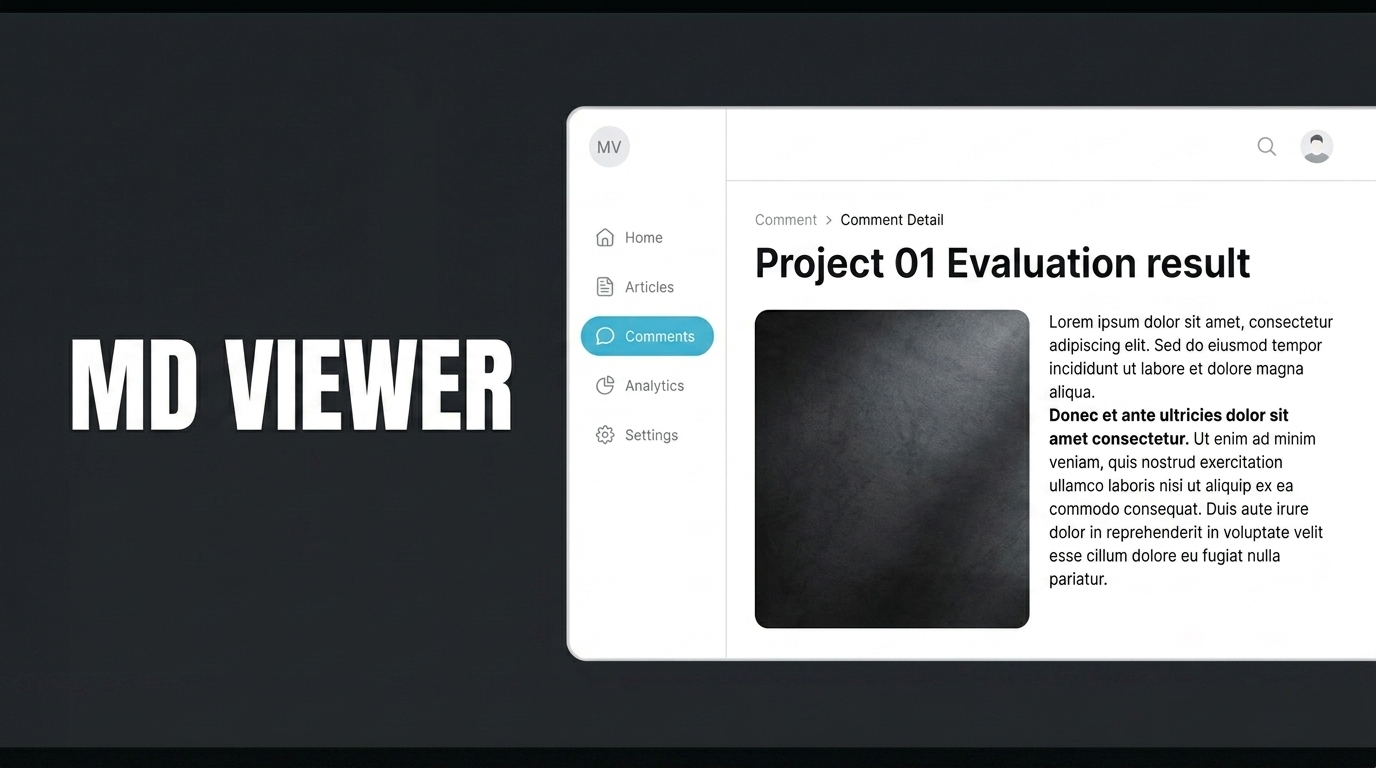
The MD Viewer component is used to display Markdown-formatted content (while preserving headings, bullet points, emphasis, etc.) in a structured and readable manner within the application interface.
The MD Viewer element is used to display content written in Markdown format in a formatted and readable manner within the application interface.
To get started, create the table on the screen using the “New SQL Action” option in the “Tables” section of the Data Sources module. First click the “Test” button, then click “Create” to save it. For the application, first define your action on the page using the “Initial Action” feature. Drag and drop the “MD Viewer” element onto your page. After configuring it, you can select the option that suits you best from the “Theme” section.
When the application is tested, the project evaluation content is displayed in a neat and readable format on the MD Viewer element using a dark theme. Headings, subheadings, bullet points, and highlights are automatically rendered while preserving the Markdown format. When the user accesses the screen, the project status, technical notes, and warning information are presented within a single documentation flow, and updates to the content are reflected on the screen in real time.