By following these steps, you can set up an interactive Location Picker that allows users to select a location by clicking on the map, with the latitude and longitude coordinates of the selected point displayed instantly in Label elements.
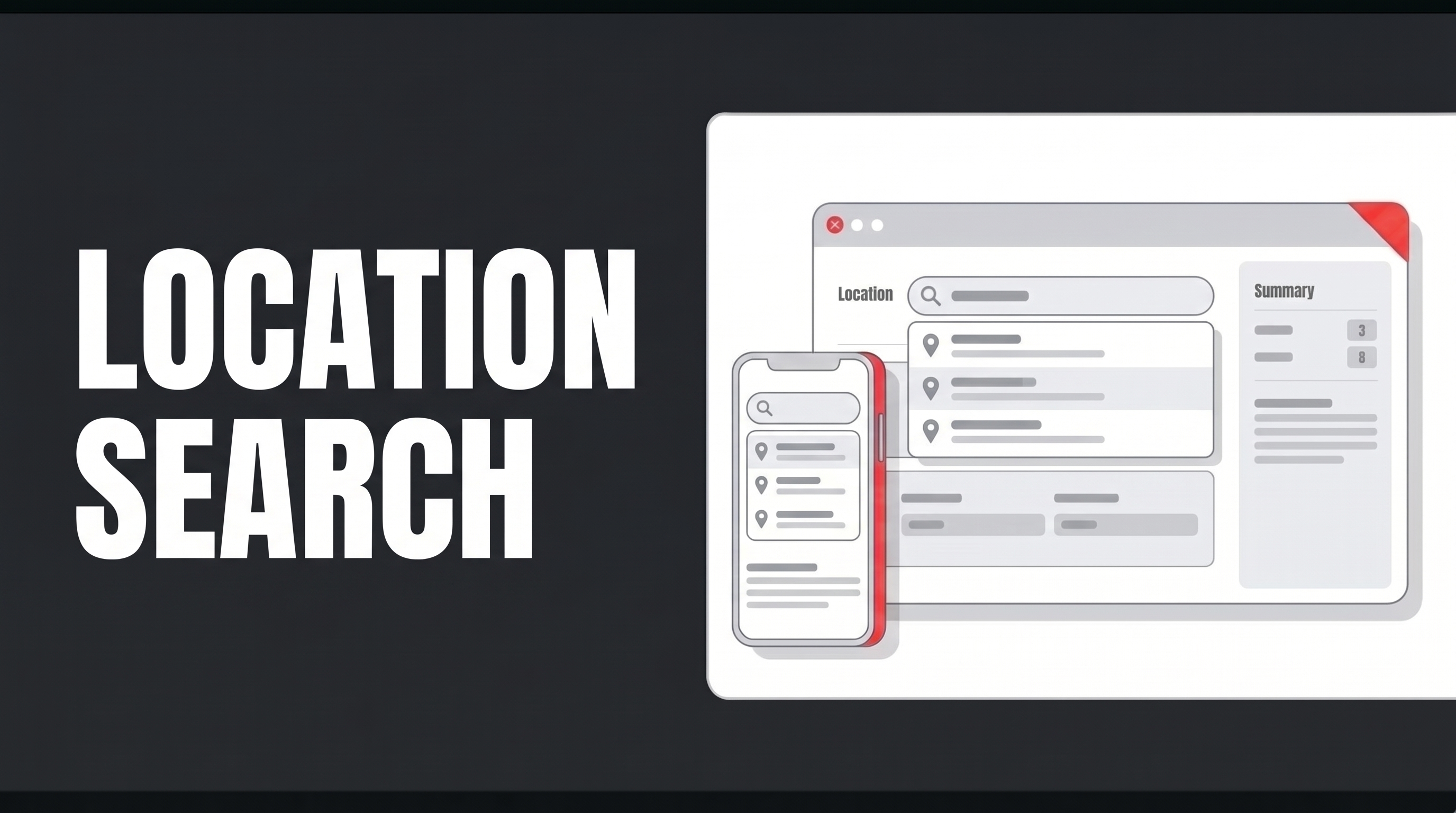
The “Location Picker” element is an interactive input element that allows users to select a location on a map.
Start by dragging and dropping the “Location Picker” element onto your processing page. Next, enter the “Latitude” and “Longitude” values. Add two “Label” elements below the “Location Picker” element, duplicate them, and name them using the “Value” field.
To display the “Latitude” and “Longitude” information when a location is selected in the “Location Picker” element, add the “Set Value Of” actions using “UIControl” via “onClick”; for the “Component to Change” and “Value” fields, define the appropriate “Component” settings.
When you click the “Preview” button, the map will open with the location centered on the “Latitude” and “Longitude” values provided for the element’s initial setup. The user can navigate the map and select a new location by clicking on any point.