Get Entity Attribute Value Action Application Steps
1. Making a Selection on the UI
Form components are prepared where the user can select the entity and attribute.
Or the selection is taken as the result of another action.
2. Defining the Action
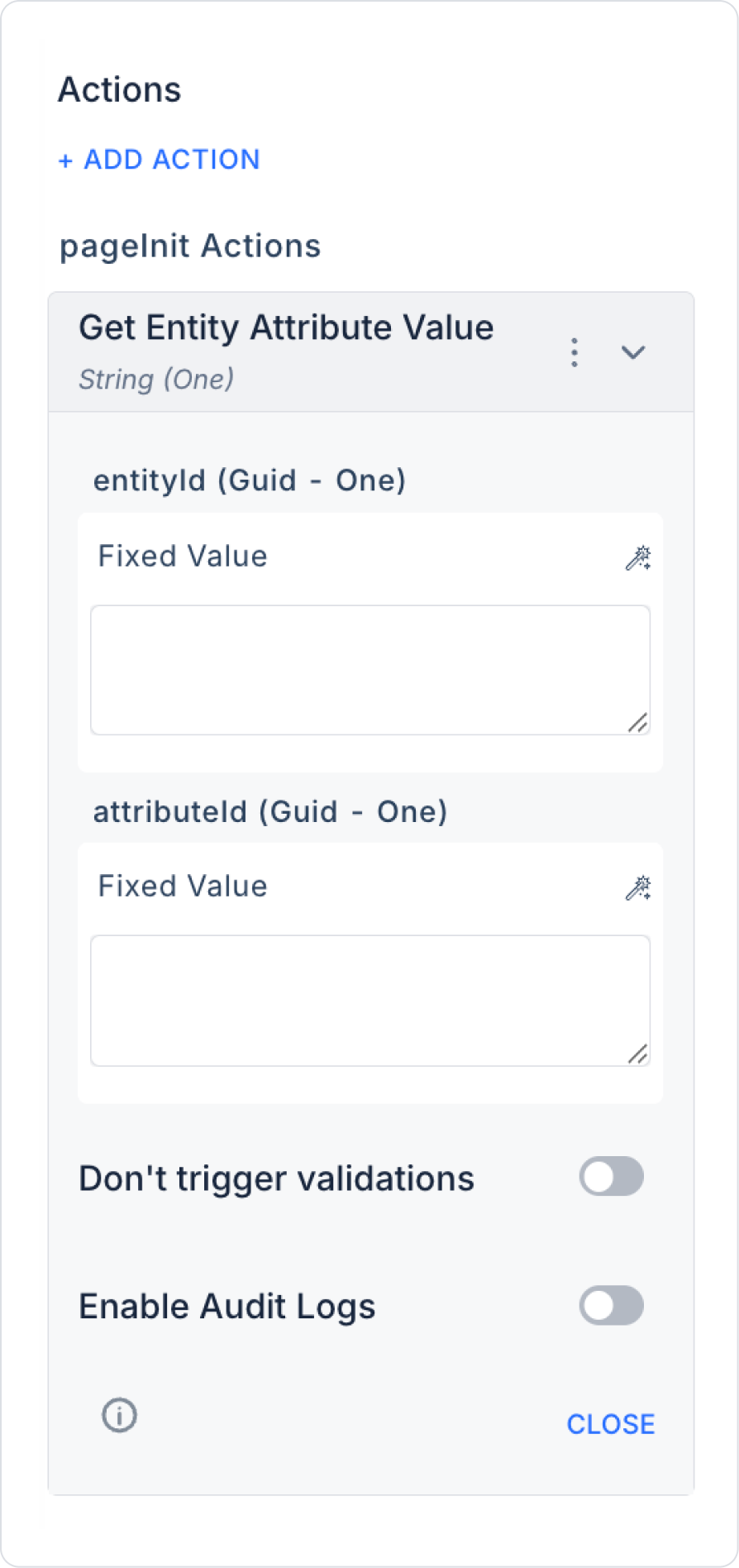
For example, it is defined with the following steps to be triggered when a button is clicked or the screen is loaded:
+ ADD ACTION > OnClick / OnLoad > EAV > Entity Attribute Value > Get Entity Attribute Value
Parameters are specified:
EntityId: Symbol Picker > Select Box / Form Component / Action Result
AttributeId: Symbol Picker > Fixed / Select Box / Component
Enable Audit Log (Optional): Ensures that actions performed during execution are added to the audit log records. This allows you to track when changes were made to the system, by which user, and within the scope of which action.
3. Using the Result
The action result can be written to another form field using a Set Value action or linked to a Label or Text Area element to be displayed directly to the user.