An element (e.g. Select Box or Table) where the user can select a category is created.
The information belonging to the selected category is to be displayed in another form (e.g. category name, description, parent category).
2. Define the action
When a selection is made or a page is loaded:
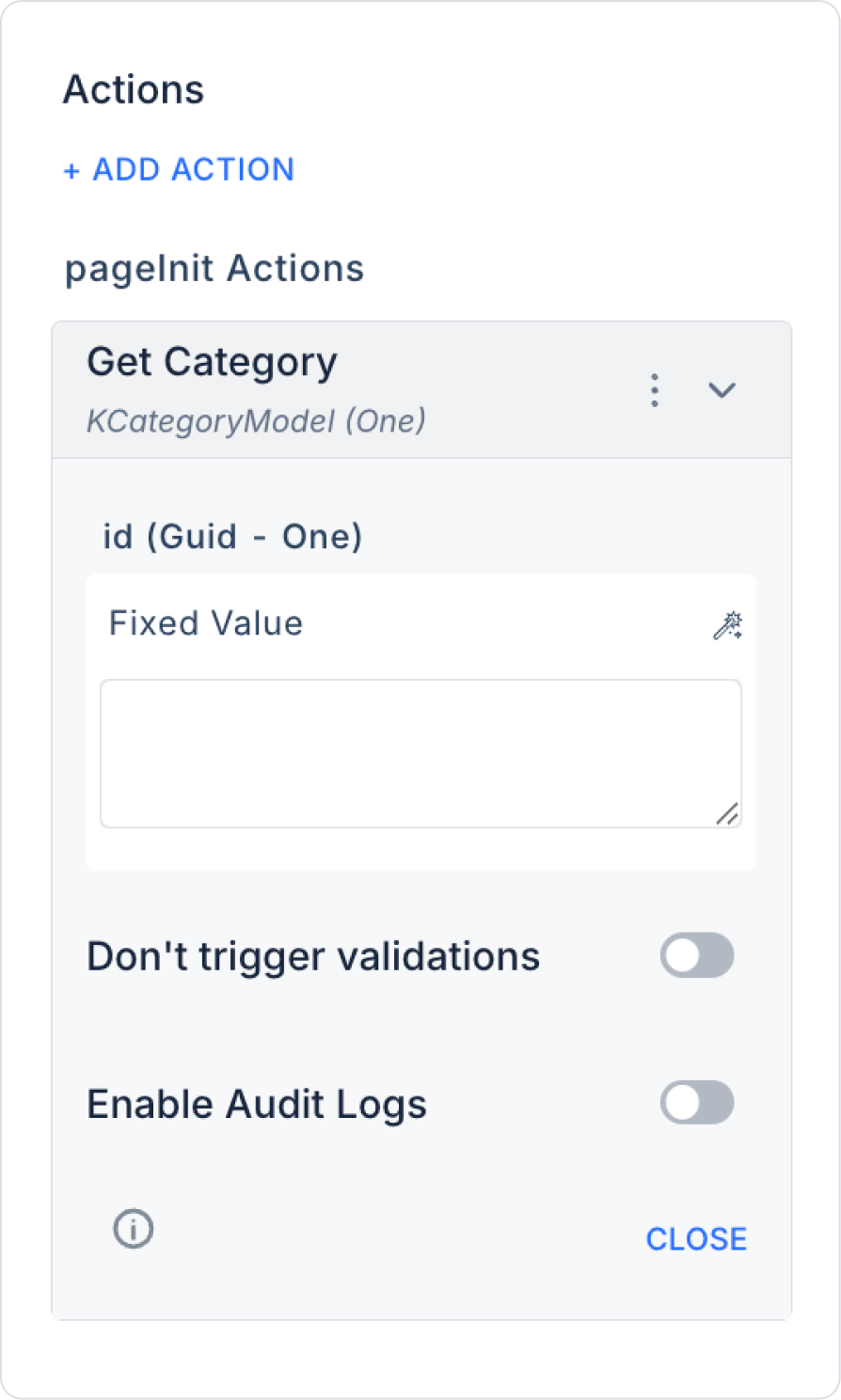
+ ADD ACTION > OnChange or OnPageLoad > EAV > Category > Get Category action is defined.
The Id parameter is linked to the category ID of the selected component.
Enable Audit Log: Ensures that updates made to the Attribute are added to the audit log records. This allows tracking of who made the changes, when they were made, and in which areas.
3. Linking the Results to Components
The data returned by the action is distributed to the form components and the details are displayed to the user: