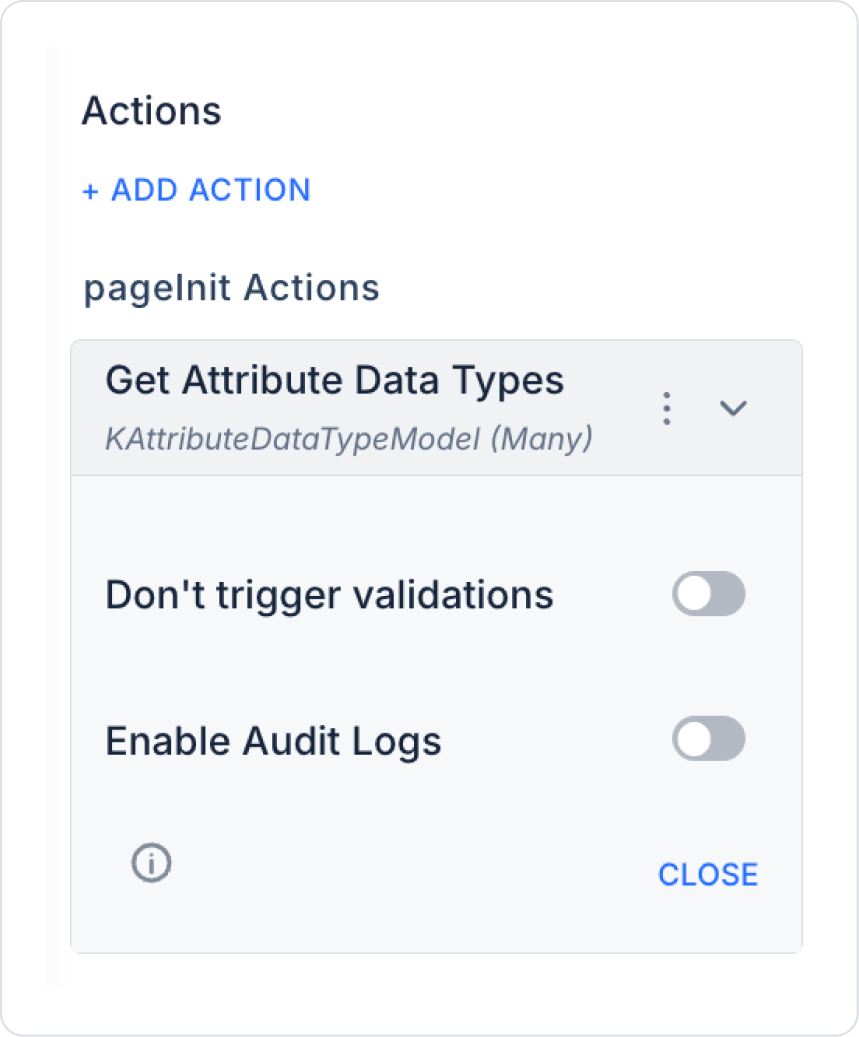
In the UI Design module, create a screen where the data type will be selected.
For example, create a button named ‘Get Data Types’.
To make it work when clicked: + ADD ACTION > OnClick > EAV > Attribute > Get Attribute Data Types select the action.
When an action is performed, the Enable Audit Log feature can be used to add the action to the audit log records. This allows you to track who performed attribute creation or update operations, when they were performed, and with which values.
2. Using the Results
Add a Select Box element.
Link the result of the Get Attributes Data Type action to the Value field.
The user can select a data type from this Selectbox and transfer this value to the DataType field in the Create Attribute action.