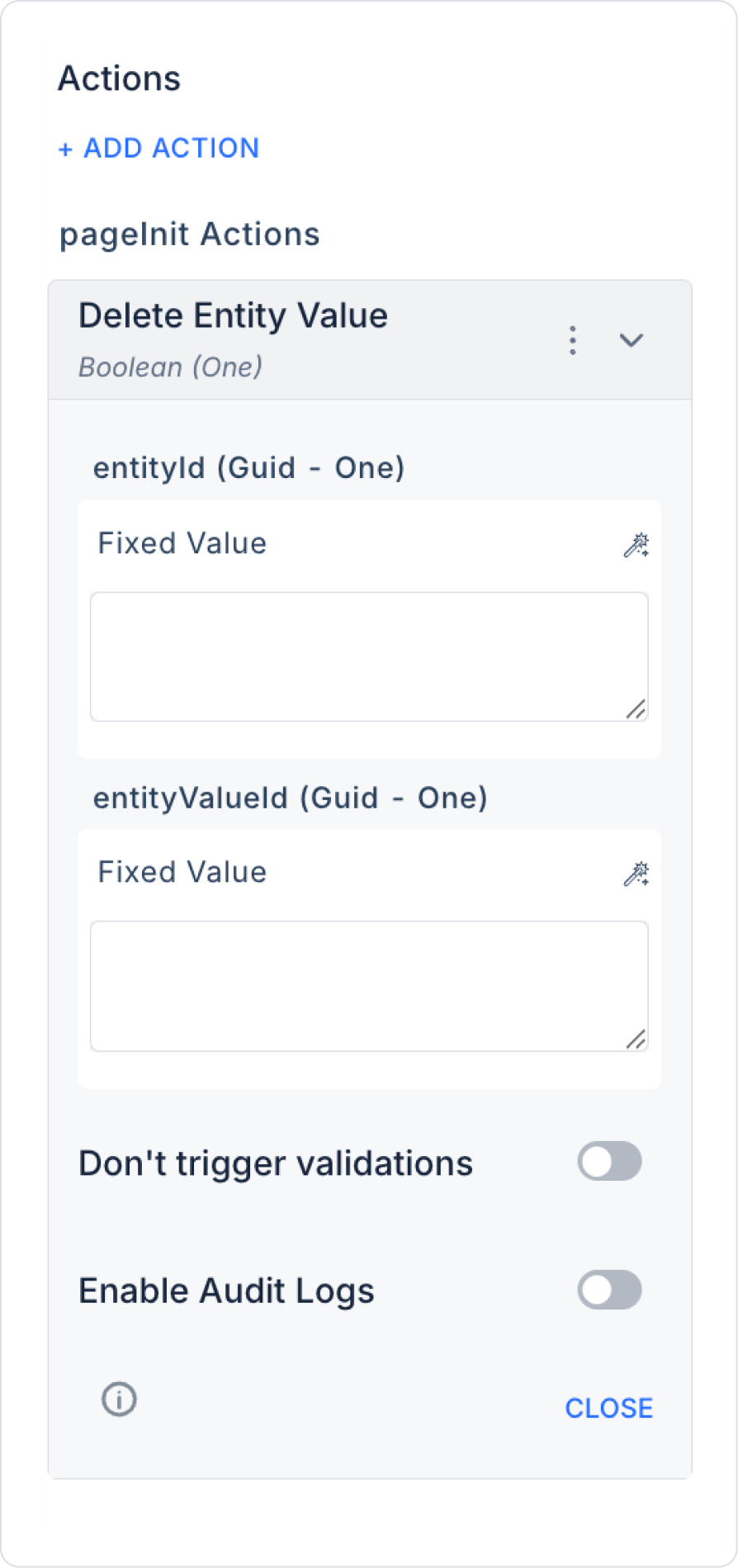
The entity value to be deleted is selected in the UI (e.g. from a table or list).
2. Defining the Action
The following action is added to the ‘Delete’ button:
+ ADD ACTION > OnClick > EAV > Entity Value > Delete Entity Value
Parameters are set as follows:
EntityId: Symbol Picker > Component / Select Box
EntityValueId: Symbol Picker > Component / Action Result
Enable Audit Log (Optional): Ensures that actions performed during execution are added to the audit log records. This allows you to track when changes were made to the system, by which user, and within the scope of which action.
3. Operation Result
If the deletion is successful, a confirmation message can be displayed to the user.
The list or form is reloaded with the updated data.
Deleted data cannot be recovered; the user should be warned.