Kuika's Get Task Details action is used to obtain detailed information about a specific task. This makes the current status, content, and other relevant information about tasks easily accessible.
Technical Specifications
Get Task Details: Retrieves all details of the specified task step.
Status and Content Tracking: Provides detailed information about the task's current status, descriptions, and related information.
Web and Mobile Application Support: This action is supported in both web and mobile applications.
Get Task Details Action Application Steps
Log in to the Kuika platform.
Open the project you will be working on from the Apps screen.
While in the UI Design module, open the Properties panel on the right side.
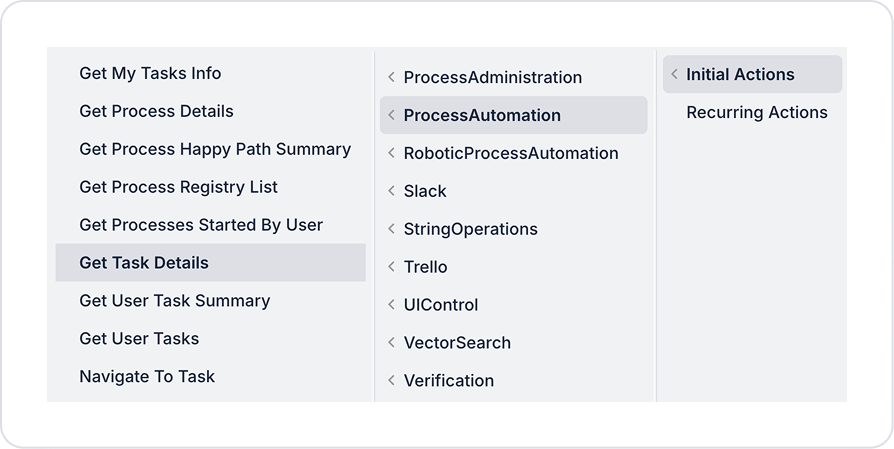
From the + ADD ACTION menu, add the Process Automation > Get Task Details action according to the trigger event you want (Initial Actions, OnClick, OnBlur, etc.).
Configuring Action Parameters
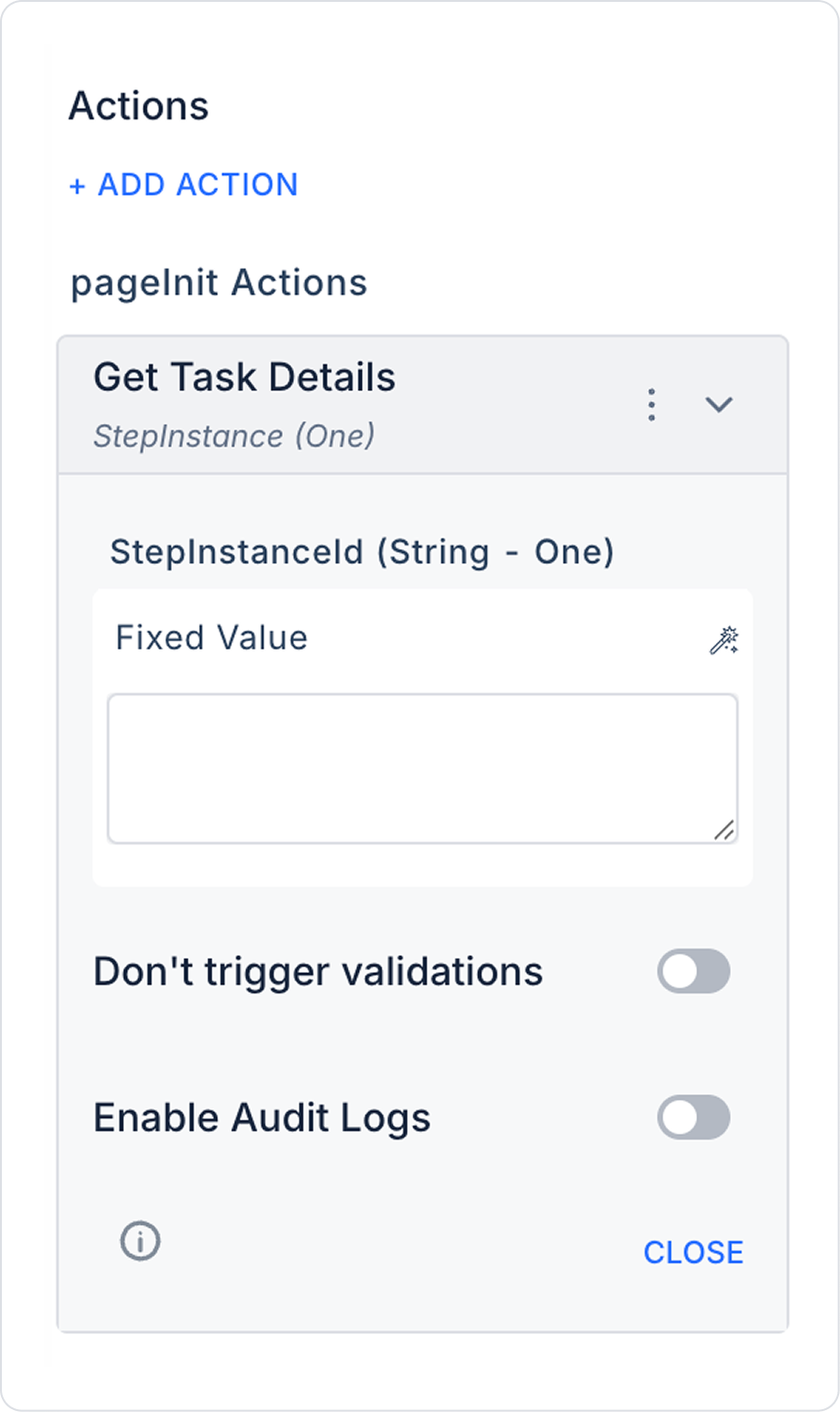
Step Instance ID (String - required): The unique ID number of the task step whose details will be retrieved. This ID determines which task details will be queried.
Enable Audit Log: When enabled, an audit log record is created for the execution of this action, increasing traceability (who, when, for which record).
Use Case: Reviewing Task Details
An administrator or user can effectively manage work processes by quickly viewing the current status, descriptions, and other critical information of the task they are assigned to or following.
Example of Configuring the Get Task Details Action
Step Instance ID: “STEP5678” (Unique key of the task step whose details will be retrieved)
Get Task Details Action Advanced Customizations
Dynamic ID Assignment: The task ID can be dynamically retrieved from forms or other actions.
Integration: Task details can be used in other modules or reports.
Notification Triggering: When task details are retrieved, a notification can be sent to the user.
Technical Risks
Invalid Step Instance ID: Data may not be retrieved if an incorrect or undefined ID is used.
Access Permission: The action will fail if the user does not have permission to access the details of the relevant task.
Performance: Data retrieval time may increase for very large or complex task details.
The Get Task Details action provides detailed tracking of tasks on the Kuika platform, increasing control and visibility in your workflows.