Using Swagger API Actions on the Application Screen
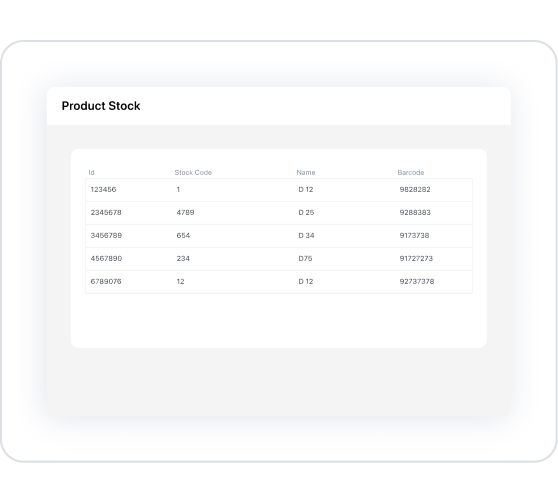
- Create a list screen: Add a Table element to list product inventory.
- Name the table columns: Specify headers such as ID, Stock Code, Product Name, and Barcode.
- Add an Initial Action:
- Click the +ADD ACTION button in the Properties panel.
- Follow the path: Initial Actions > Custom > Datasource.
- Under the “Rest” heading, select the “Stok Get Product List From Rest” action.
- Connect the table data source:
- Go to the Datasource menu in the Properties panel.
- Under the “Action” heading, select the “Stok Get Product List From Rest” action.