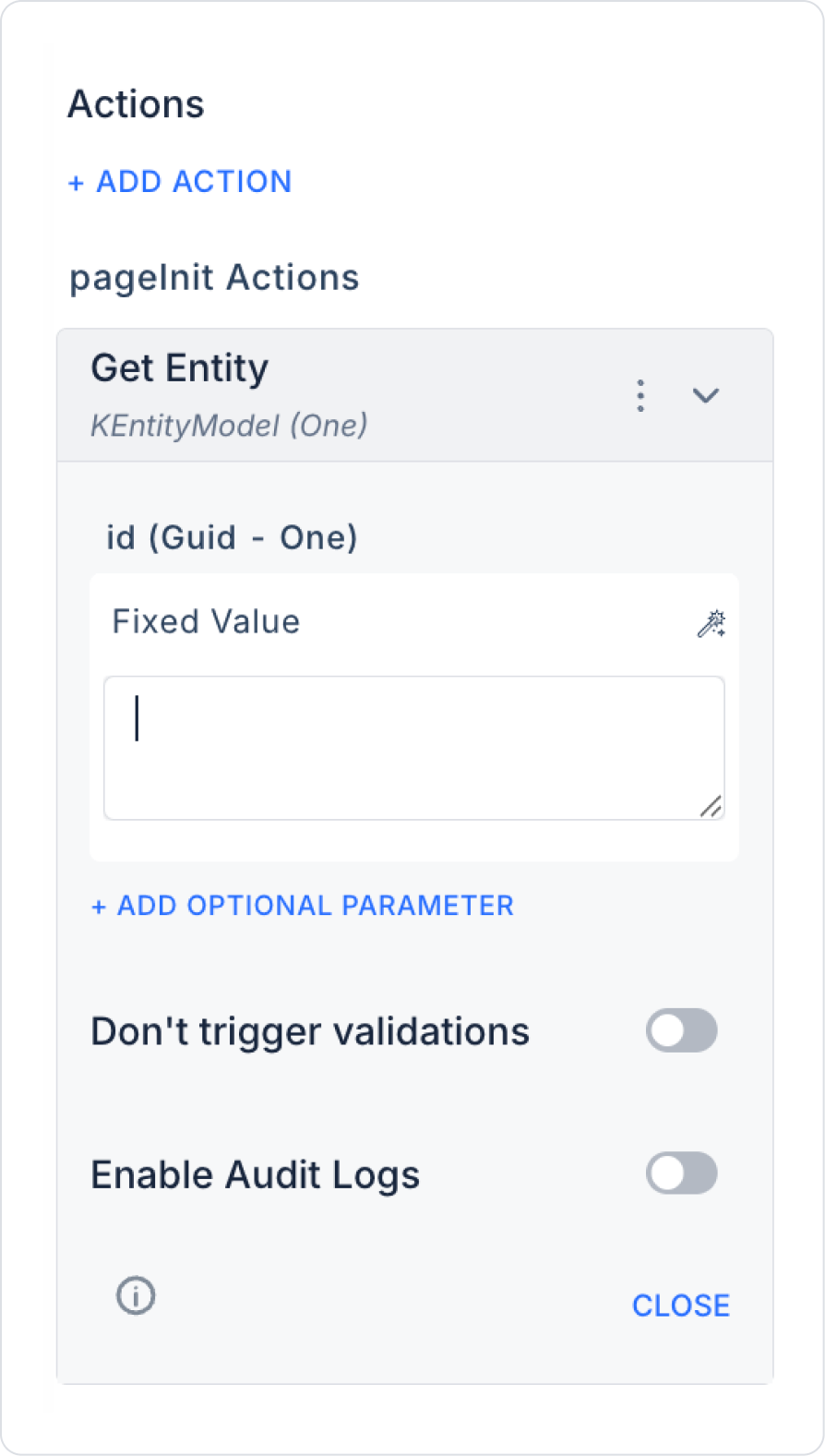
Id: Symbol Picker > Selected Item / Form Component / Fixed
IncludeAttributes: Fixed > true (optional)
IncludeValues: Fixed > true (optional)
Enable Audit Log: Ensures that actions performed during execution are added to the audit log records. This allows you to track when changes were made to the system, by which user, and within the scope of which action.
3. Using the Action Result
The result can be displayed on the screen with a Set Value, Label, Dynamic Form, or custom element.
Attributes can be edited by loading them into the Dynamic Form element.