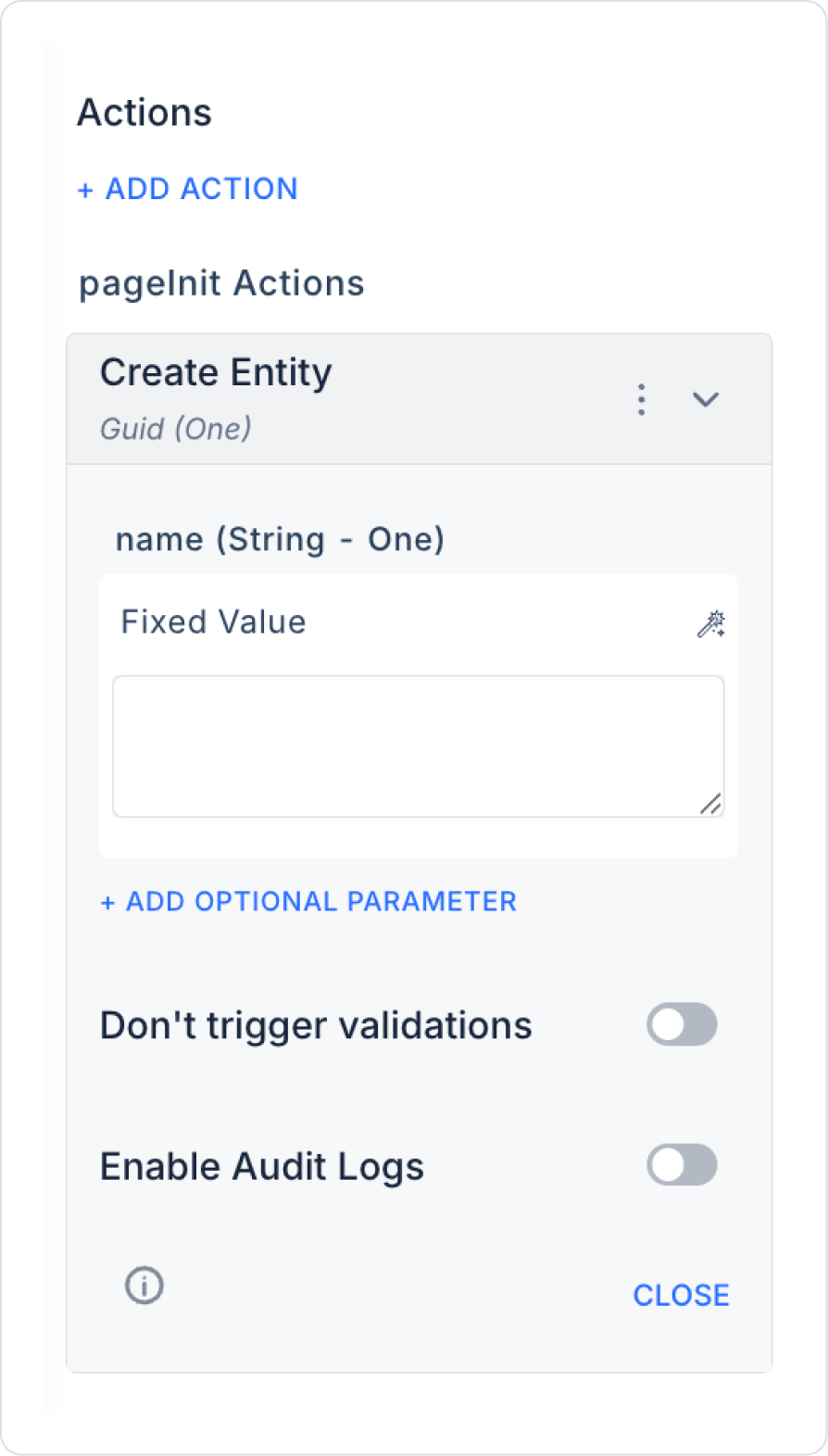
Create Entity Action Application Steps

1. Form Definition in the User Interface

  • A form is prepared for the entity information to be obtained from the user.
    • Entity Name (Text Input)
    • Description (Optional - Text Input)
    • Category Selection (Select Box or Text Input - Guid)

2. Action Definition

  • A button named ‘Create Entity’ is created.
  • The following action is added to the button:
    • + ADD ACTION > OnClick > EAV > Entity > Create Entity
  • The parameters are configured as follows:
  • Name: Symbol Picker > Form Component > Text Input
  • Description: Symbol Picker > Form Component (optional)
  • CategoryId: Symbol Picker > Fixed or Component
  • Enable Audit Log: Ensures that updates made to the Attribute are added to the audit log records. This allows tracking of who made the changes, when they were made, and in which areas.

3. Using the Action Result

  • The created entity can be associated with attribute definitions in the form.
  • A notification can be displayed to the user after the action or the user can be redirected to another page.